Person + textExample 01
Style reference
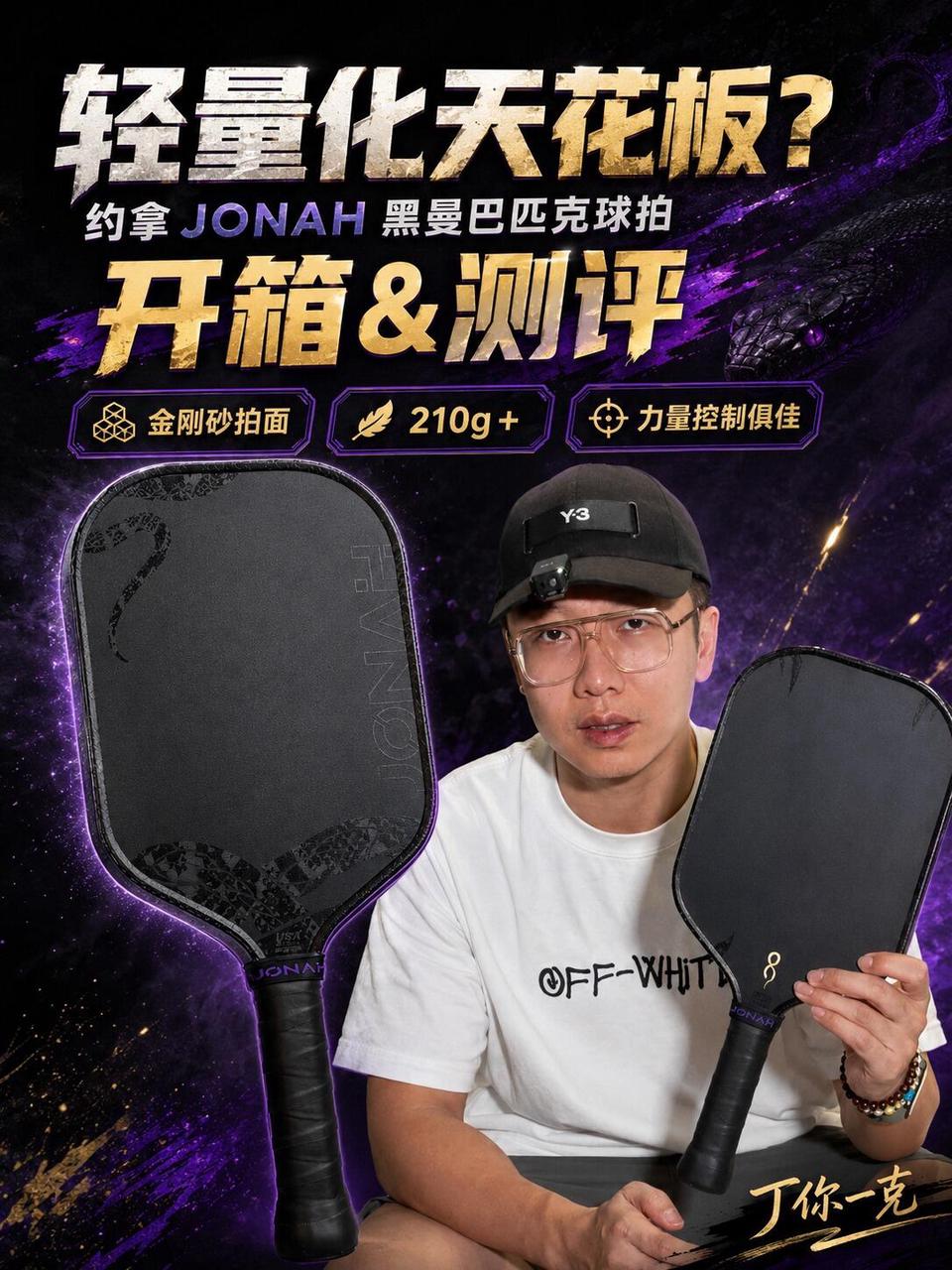
Your materials
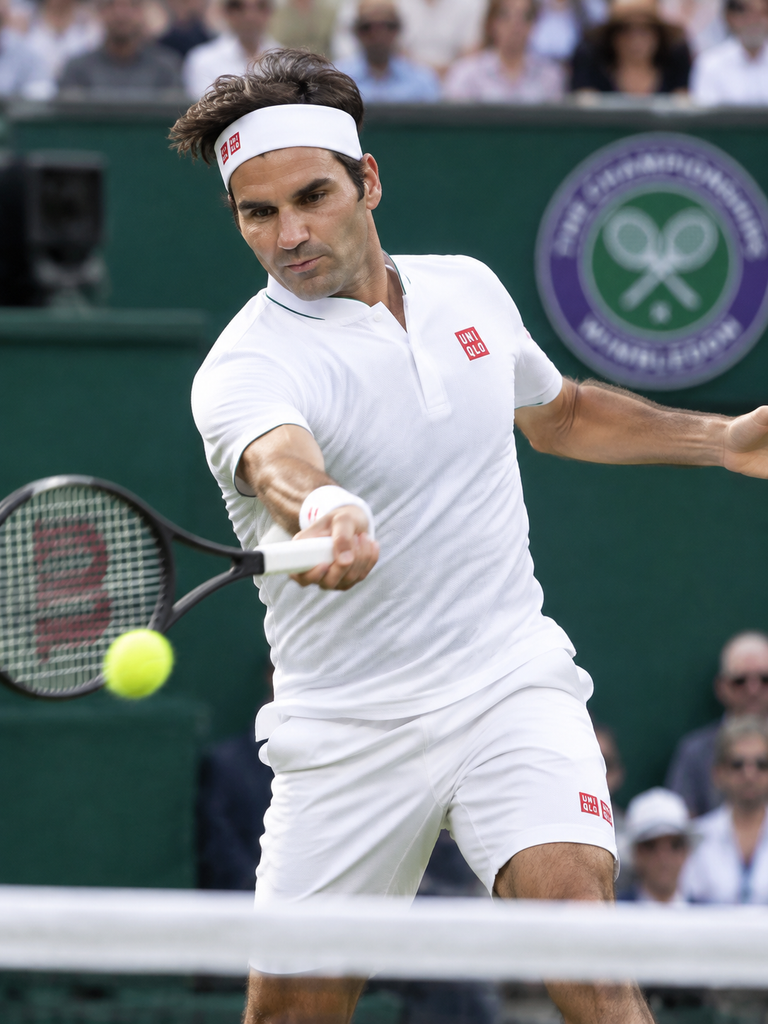
Cover text
接发三连招🏸 从被迫接球到主动拿分
Viral Cover · AI Remake
Upload a cover reference, add your images and text, and let AI recreate its style or explore different styles for the same subject.
Upload the viral cover you want to replicate, or paste a Xiaohongshu/Douyin link to auto-extract its cover
Click or drag to upload the style reference
JPG / PNG / WebP supported, Ctrl+V paste also works
Add up to 2 material images or cover text. Text-only changes work too.
Material image
Prepare your images and text, then log in to generate. Your inputs will be kept.
The reference sets the style, materials replace the subject, and text replaces the copy. Load an example to fill the editor.
Style reference
Your materials
Cover text
接发三连招🏸 从被迫接球到主动拿分
Style reference
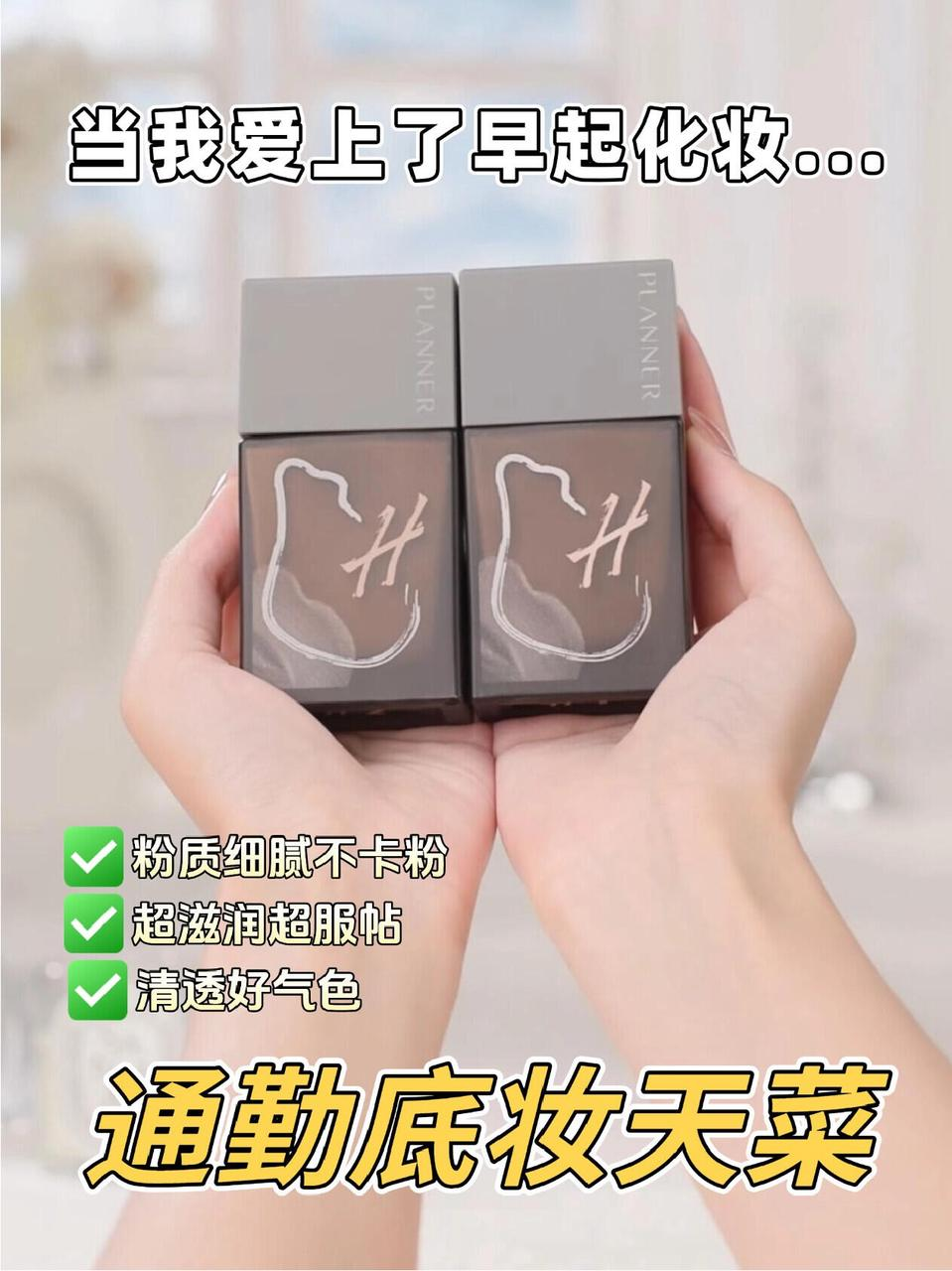
Your materials
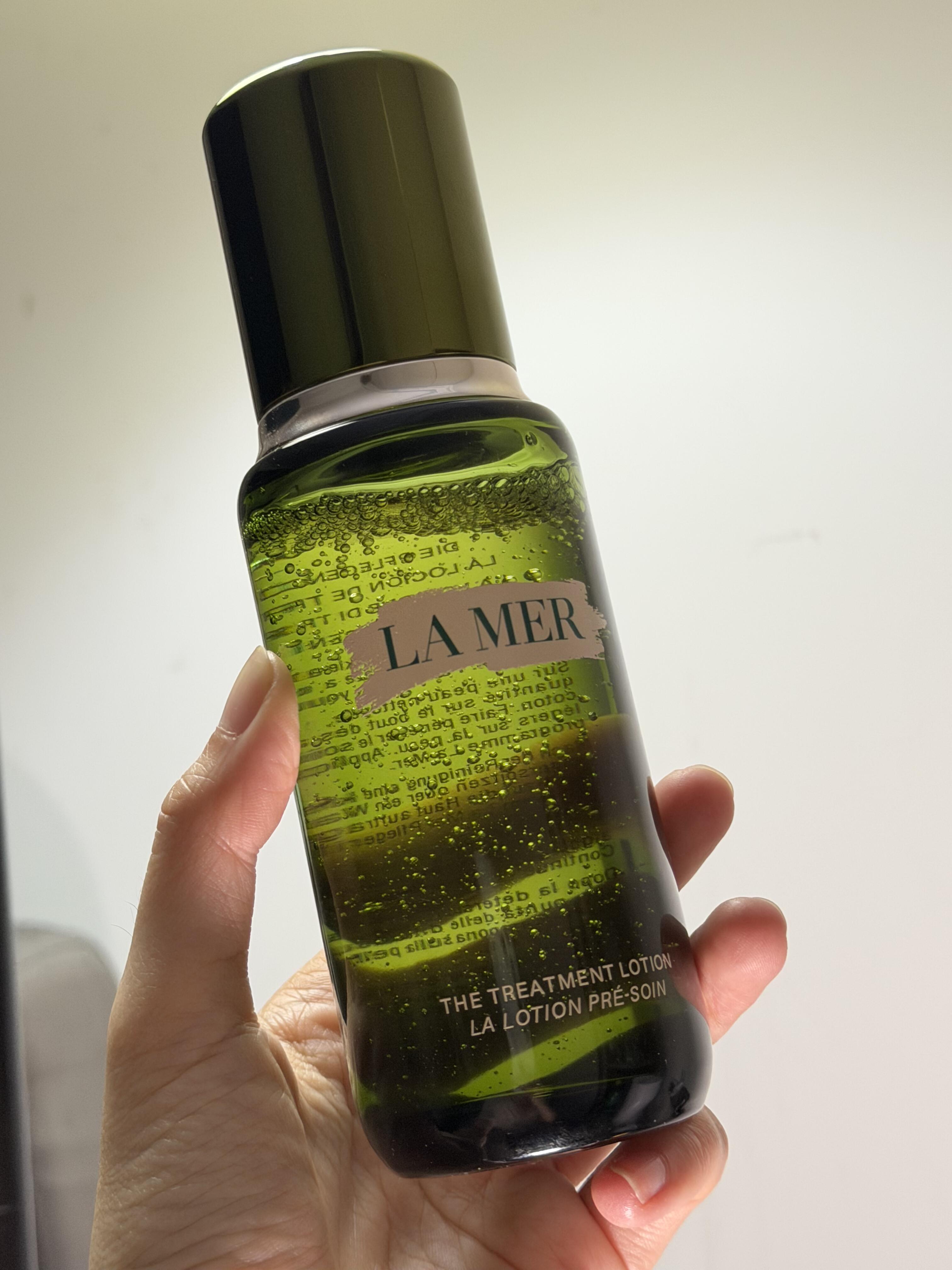
Cover text
看完比柜姐更懂海蓝之谜‼️怎么买,以我为准✅
Style reference

Your materials
Cover text
听劝!这几个海蓝之谜单品,一定要囤!!!
Style reference

Your materials
Cover text
20+才知道有些东西是很难平替的
Style reference
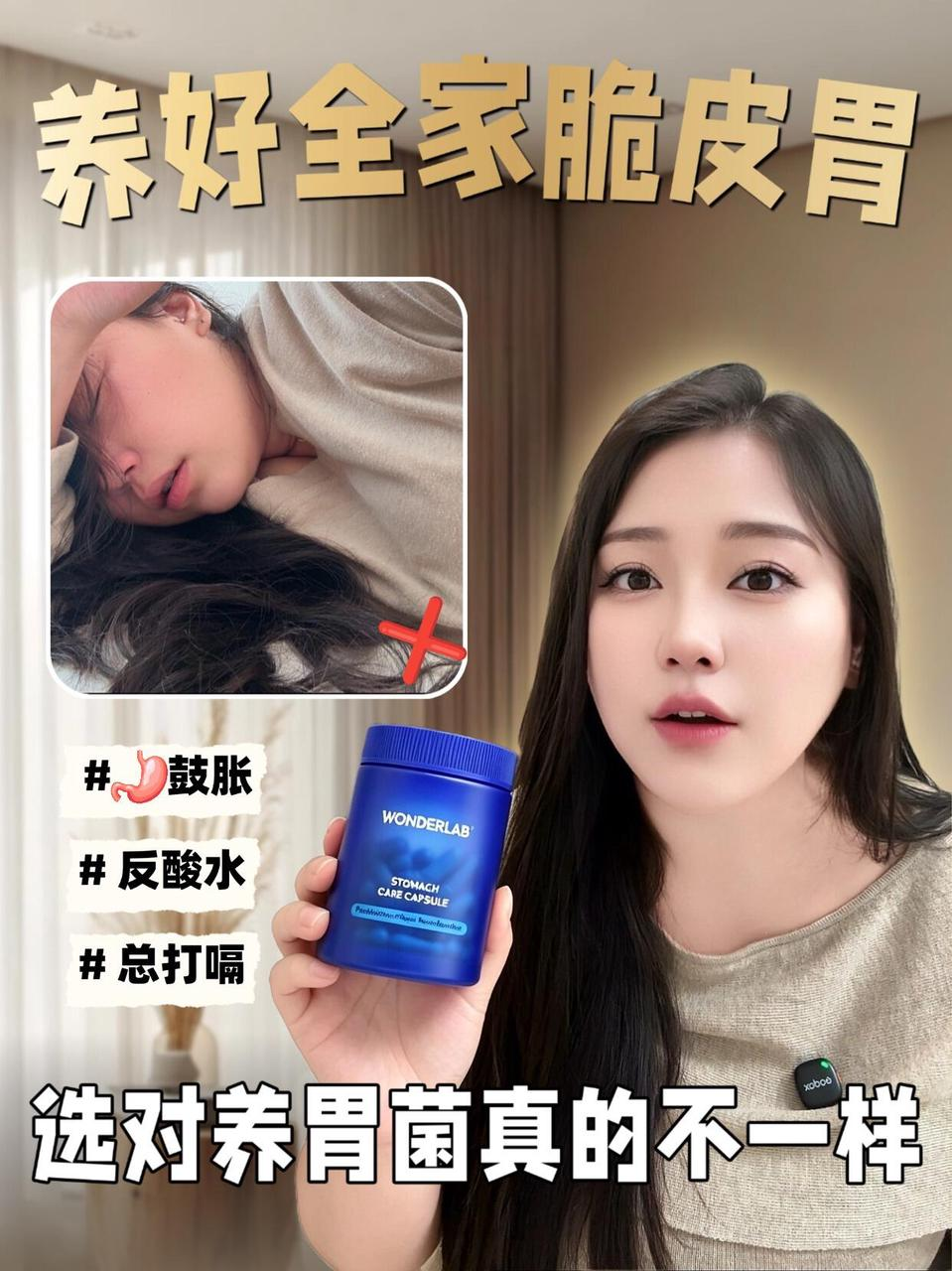
Your materials
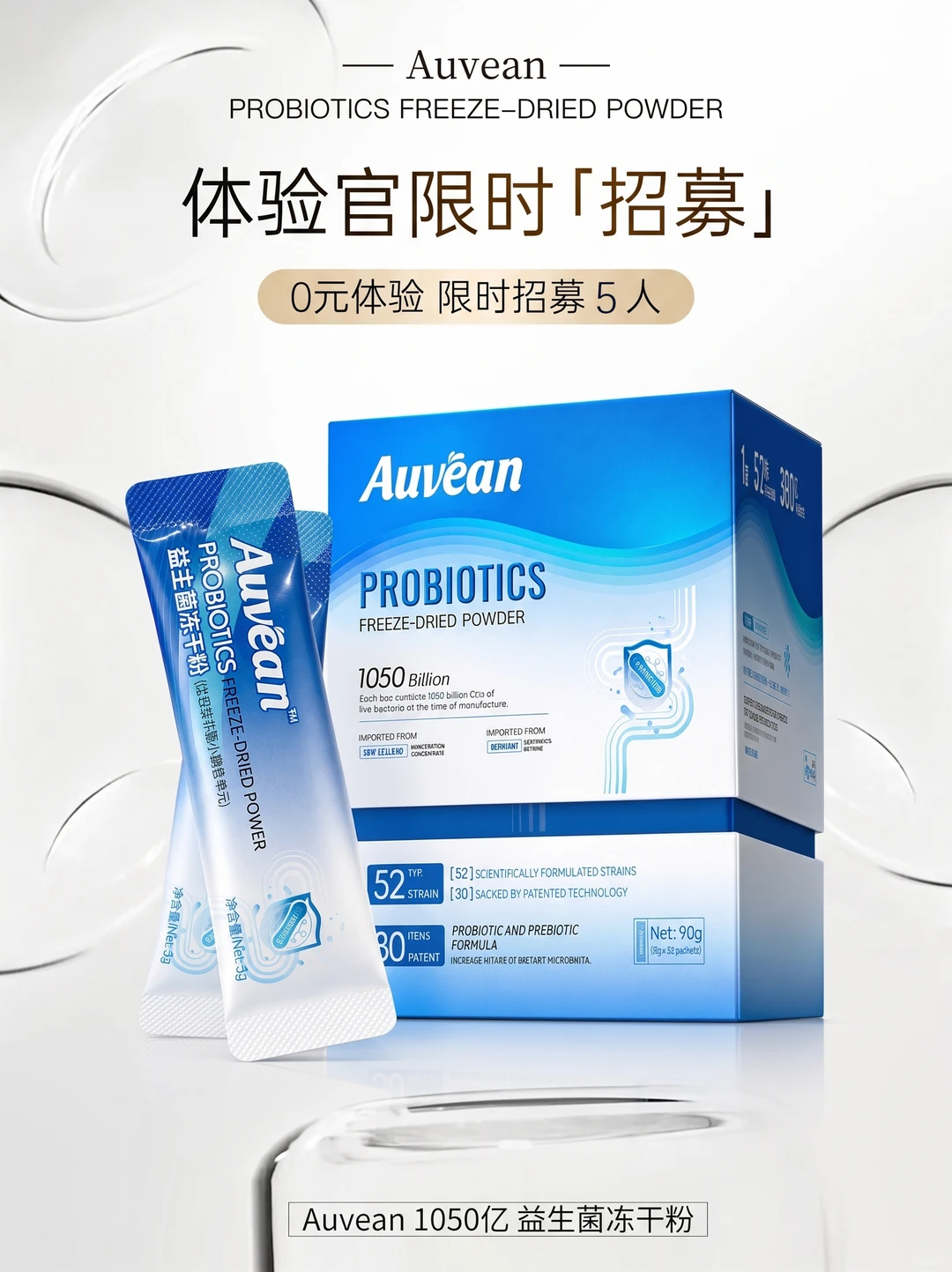
Cover text
益生菌别乱吃,常用的各类益生菌有什么区别
Create a matching batch or explore multiple styles for one subject.
One style reference plus multiple material images, generating a batch in the same visual style.
Use case: one viral cover style, 10 products each get a matching cover.
One shared set of subject images (up to 2), with one style reference per task.
Use case: one product in minimalist, retro and magazine-style covers.
Built for creators
Skip the blank canvas. Start from a proven visual direction, then replace the subject and copy with your own.
Personal brand
Keep people at the center while giving insights, opinions and personal stories a stronger title hierarchy.
Product picks
Place your own products into a polished layout for reviews, roundups and new-launch covers.
How-to content
Use clear steps and outcome-led layouts so the core lesson is instantly visible in the feed.
Content teams
Reuse one visual system across materials and copy to stay recognizable while reducing repetitive design work.
Use cases · Creative challenges
Knowing a design tool is not the same as making a scroll-stopping cover. Creators usually need a proven visual direction and a faster way to execute it.
Color, composition and typography all start from zero. After several drafts, the result can still feel like disconnected template pieces.
Start from a reference you already like and skip the blank canvas.
Edges, lighting, scale and background do not match, so a replaced person or product never feels visually integrated.
AI redraws the relationship between subject and scene for a natural composition.
Too much text feels crowded; small text gets ignored. Emphasis, spacing and reading flow take repeated manual adjustment.
Reuse a proven title hierarchy and let AI organize emphasis and layout.
Frequent publishing demands a steady supply of covers, while multiple accounts still need a recognizable visual system.
Batch-replace materials and copy within one style to create a coherent series.
No template stuffing — it recreates the style, layout and composition of viral covers
AI learns the layout, colors and composition of the reference, and generates a cover in the same style.
Upload your product or portrait photo, and AI naturally places your subject into the viral cover.
Paste a Xiaohongshu/Douyin link to auto-extract its cover as the reference — no screenshots needed.
One reference applies to all rows; generate covers for multiple materials and texts at once.
Upload a viral cover, or parse one from a Xiaohongshu/Douyin link as the style reference.
Upload your material image as the subject, fill in the cover text, and optionally add design requirements.
AI generates covers in the reference style; download results or set them as new references to iterate.
Yes. Sign up for free and get free daily generation credits; upgrade anytime for more. Generated covers can be downloaded for free.
It is a successful cover you want to replicate: upload an image, or paste a Xiaohongshu/Douyin link and the system extracts the cover automatically. AI learns its style, size and layout.
Yes. Leave the material empty and only fill in cover text: AI replaces just the text in the reference while keeping the subject and layout intact. With a material image, your subject is placed into the cover.
Usually 30-90 seconds, depending on the reference complexity and queue status. Multiple covers generate in parallel in batch mode.
By default the output follows the reference ratio (e.g. 3:4 for Xiaohongshu, 9:16 for Douyin, 16:9 for Bilibili). You can also set a custom ratio in Advanced Options.
Yes. Batch mode uses one viral reference; add multiple rows with their own material images and cover texts to generate many covers at once — great for account matrix.
AI replicates the style and layout of the reference; the visual subject comes from your own material. Make sure your use of the reference and materials complies with copyright and platform rules, and evaluate commercial use yourself.
An all-in-one short-video copywriting toolbox — jump straight to the tool you need.